The ProAudio Config Tool helps you discover and carry out initial configuration of ProAudio range matrices. This guide covers downloading, extracting, and connecting it on Windows.
You must be able to access the network the ProAudio matrix is connected to from your Windows PC to use this tool.
Downloading the Tool
1
Get an Installer IDThe Config Tool is only available to installers registered on the Pulse-Eight Monitoring site. If you don't already have an Installer ID and User Auth Code, contact your local distributor or Pulse-Eight Sales and Support to get one, then register at monitoring.pulse-eight.com2
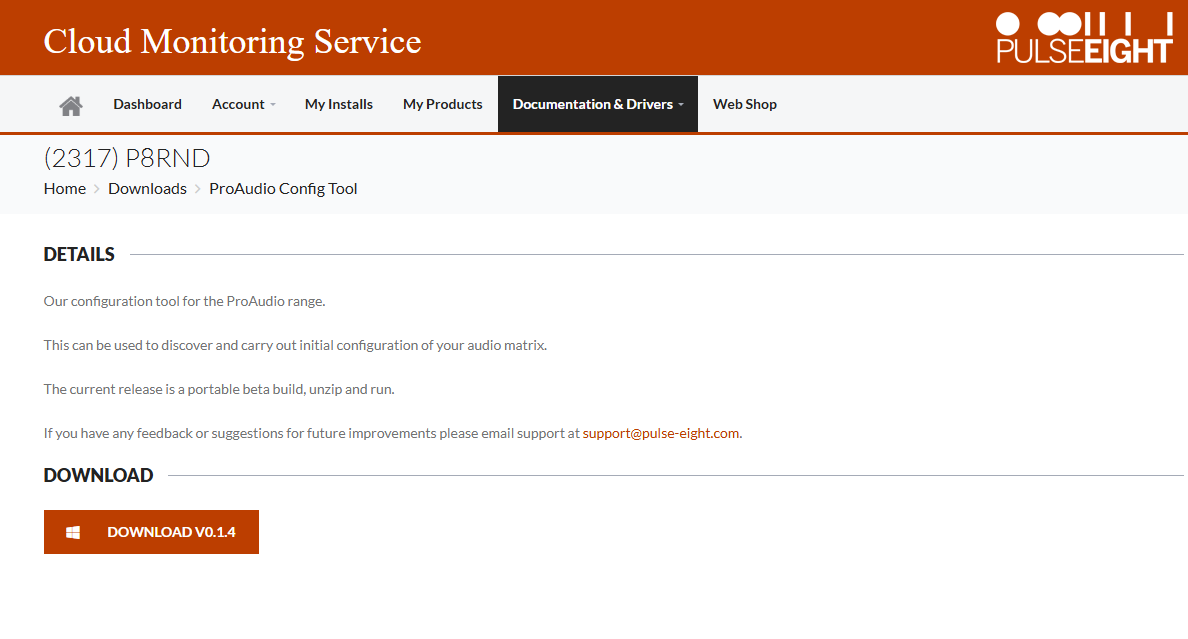
Download the toolOnce registered, go to the ProAudio Config Tool Download Page and click the download link under the Download header. It will save as a ZIP file to your downloads folder.Click here to go to the ProAudio Config Tool Download Page
Extracting the Tool
1
Extract the ZIP fileRight-click the downloaded ZIP file and select Extract All.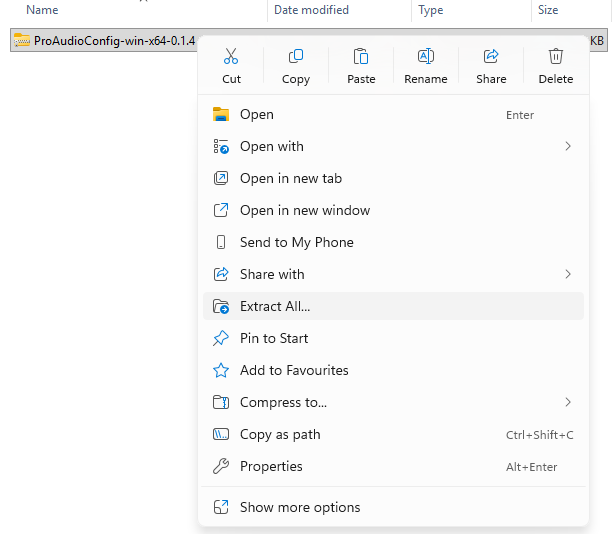
2
Confirm the extractionWhen the Extract Wizard opens, click Extract at the bottom to extract the files.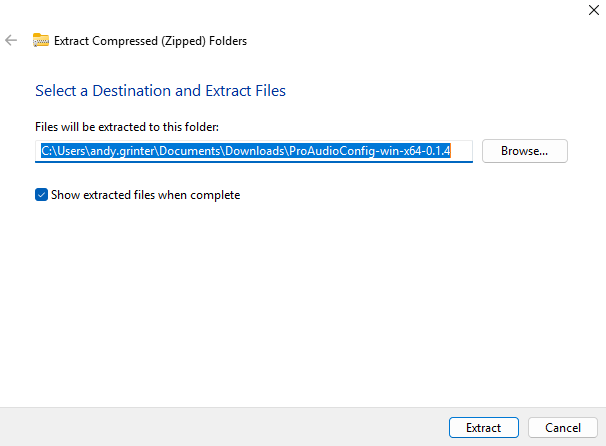
Launching and Connecting
1
Launch the applicationOpen
ProAudioConfig.desktop from the extracted folder.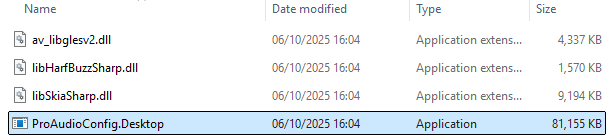
2
Select your matrix from the discovery listIf your ProAudio matrix appears in the Device Discovery list, click Select on the left of its entry to connect.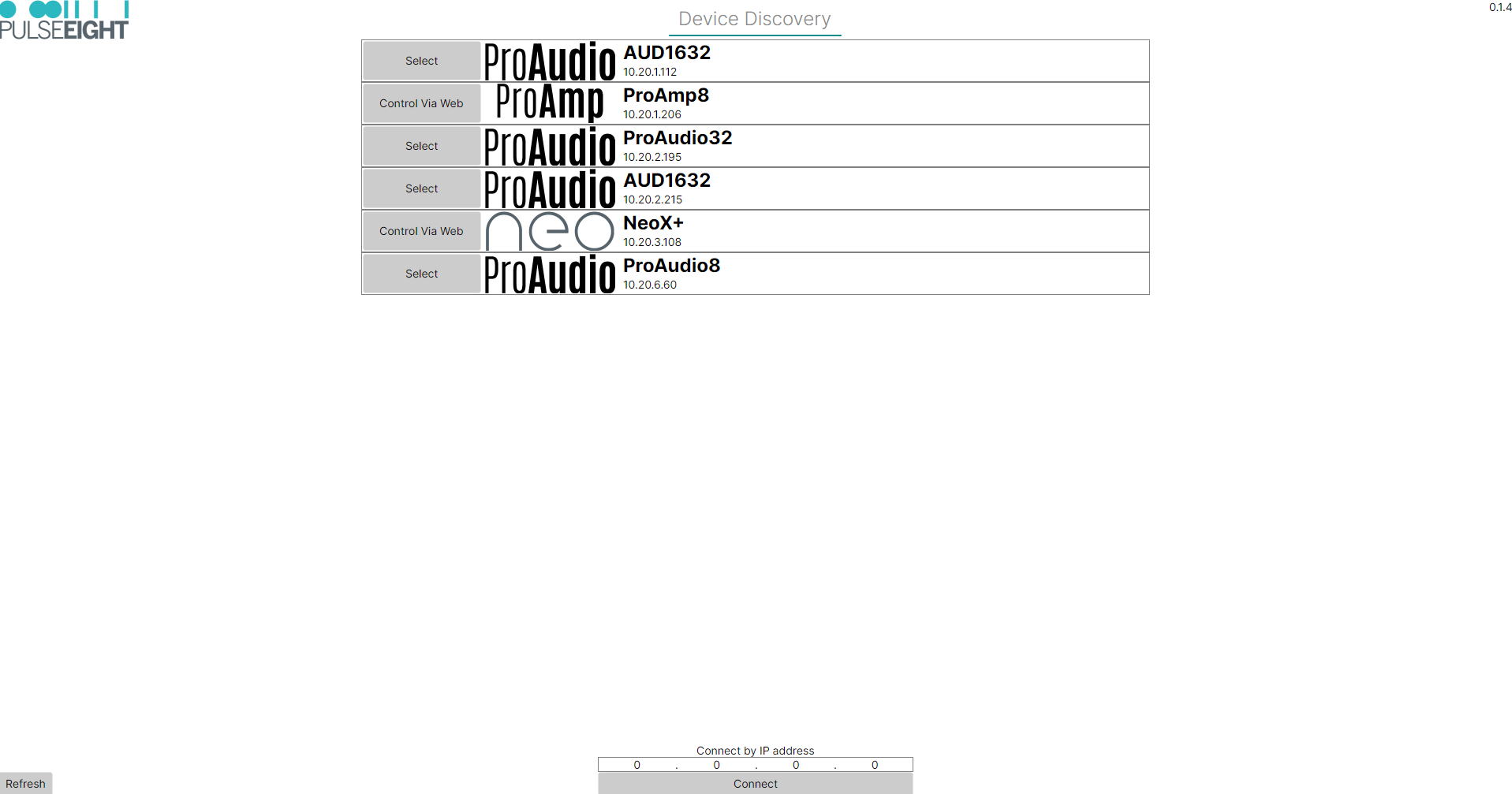
3
Or connect by IP addressIf your matrix isn't listed, enter its IP address in the box at the bottom of the screen and click Connect.Still Can't Connect?
First confirm your PC is on the same network as the matrix. If it is and you still can't see or connect to the matrix, see Troubleshooting ProAudio Matrix Discovery and Connection.
Related Articles
Need help getting connected?
Get in touch and we'll help you get it sorted.
UK: 01202 413 610 | US: (858) 748-8250 | support@pulse-eight.com
Get in touch and we'll help you get it sorted.
UK: 01202 413 610 | US: (858) 748-8250 | support@pulse-eight.com